Getting started
SCREENSIDE FISHER is a free desktop companion: place the window, wait for the bite, reel in, then sell or cook. The Diary holds every menu — and since 1.0.5 its centre sets your Luck level. Spend your first money on a rod.
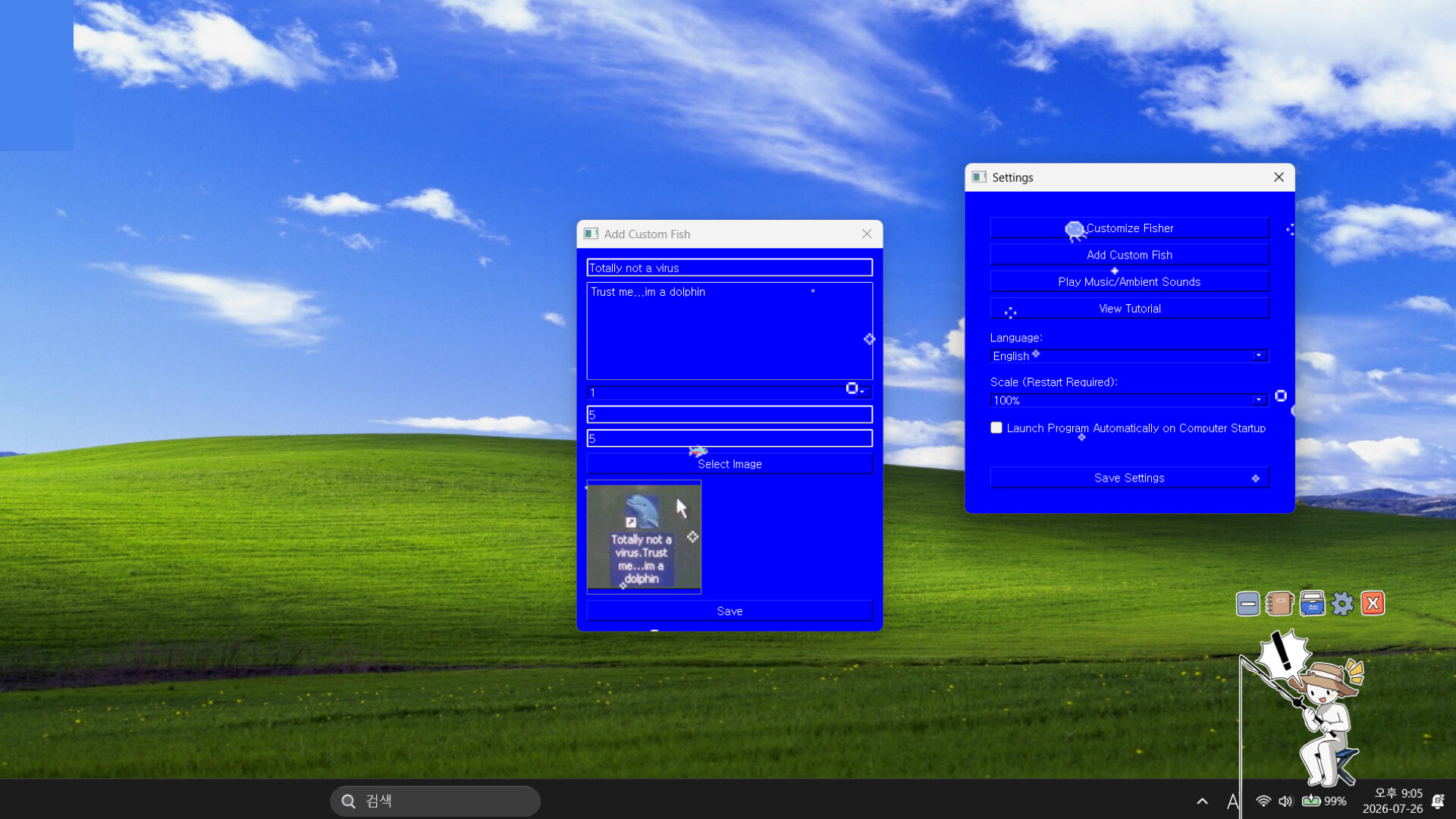
SCREENSIDE FISHER is a free desktop companion: a tiny fisher keeps you company in a corner of your screen while you work. When something bites, a bubble pops up — and if you are mid-task, the fish waits. Nothing chases you and nothing is on a timer; the game moves at your pace. The loop is: catch, sell, cook, upgrade, and slowly fill two encyclopedias.

The fisher lives wherever you park them — most players keep the window over a corner of the taskbar.
The loop in one minute
- Place the game window wherever it suits you. It sits on your desktop next to your other windows, and since 1.0.4 you can resize it to taste.
- Wait for the bite. Your fisher signals you when it is time to look over.
- Reel it in — a short timing minigame plays out, and the fish is yours.
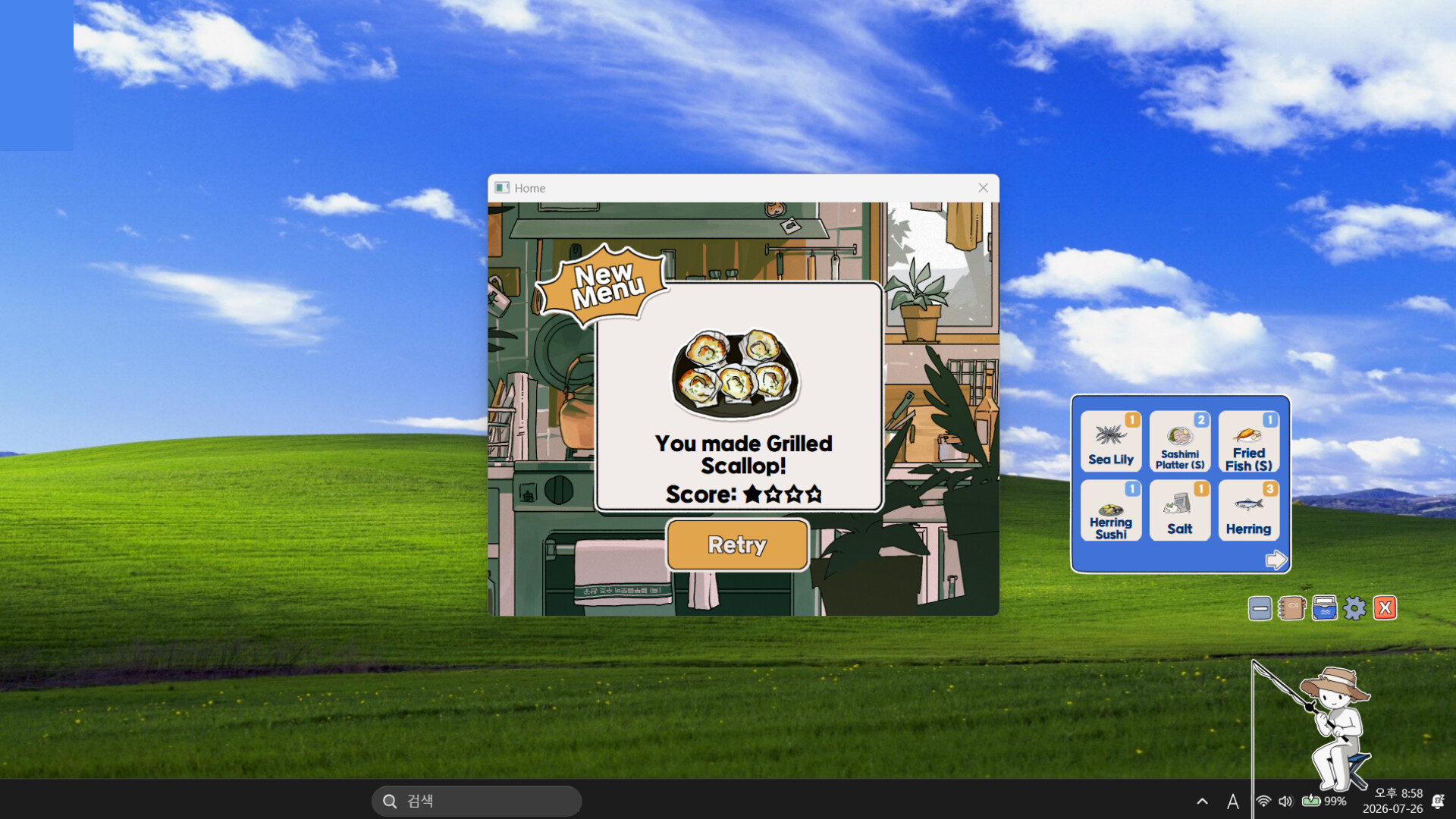
- Sell it straight away, or cook it into a dish first.
- Spend the money on rods, ingredients, music and the aquarium, then head back out to fill the Fish and Recipe catalogs.
The Diary is the whole menu
Everything you own, caught or cooked lives in the Diary: your catalogs, your money, your upgrades. Double-tap it to close, tap it again to bring it back. Since patch 1.0.5, pressing the centre of the Diary opens your Luck level — the same place you set it down if a high Luck stat is making catches awkward (more on that on the rods and Luck page).
Your first purchases
Money arrives slowly at first, so buy in this order:
- A better rod when you can afford one. The starter gear is fine, but rod power is what unlocks bigger catches. The Lightweight Small Fishing Rod got a base-power buff in 1.0.5, which makes it the friendly early pick.
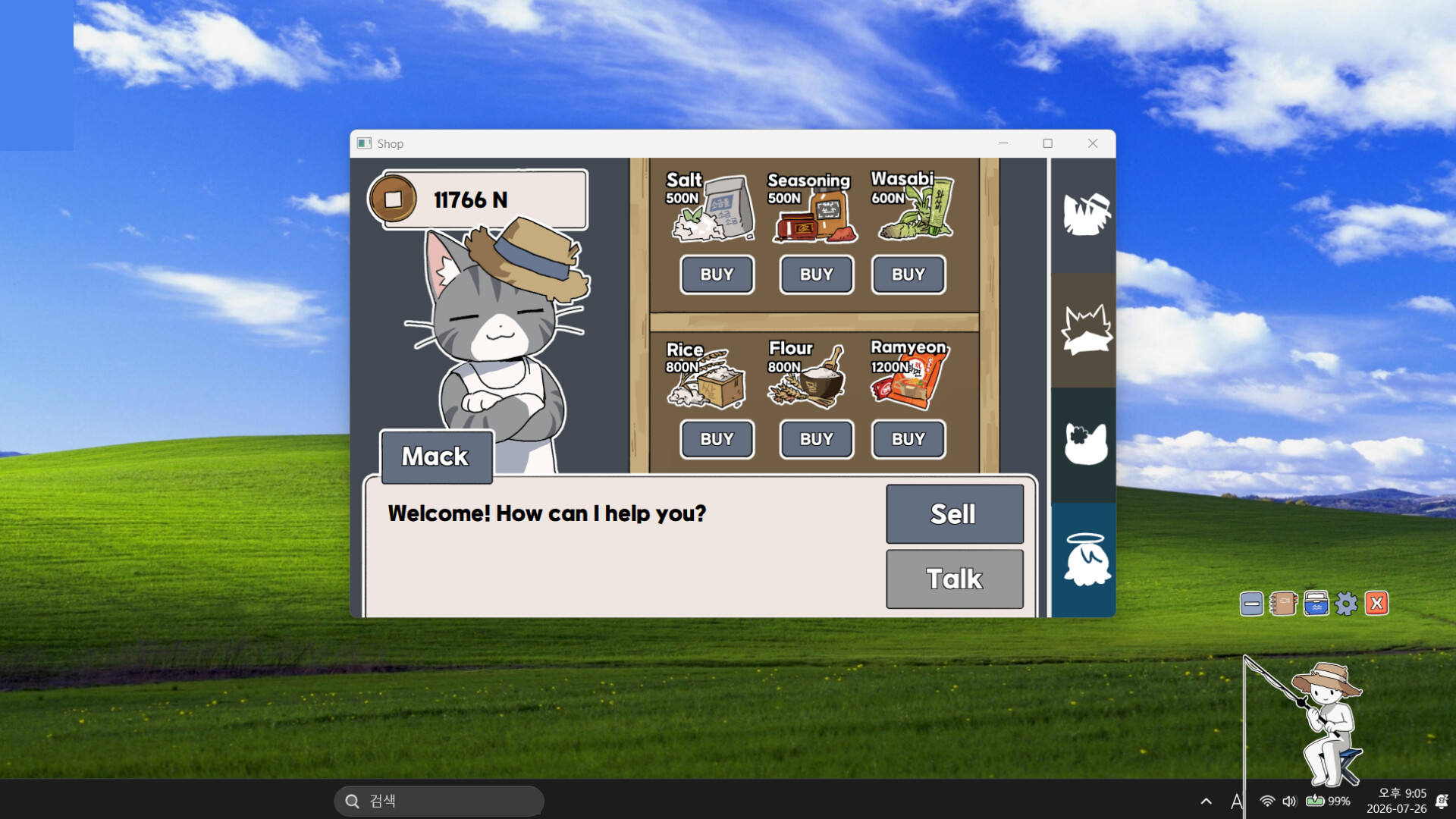
- Cooking ingredients from the shop. Turning one fish into one dish usually pays better than selling the fish raw, and the dish counts toward the Recipe Catalog.
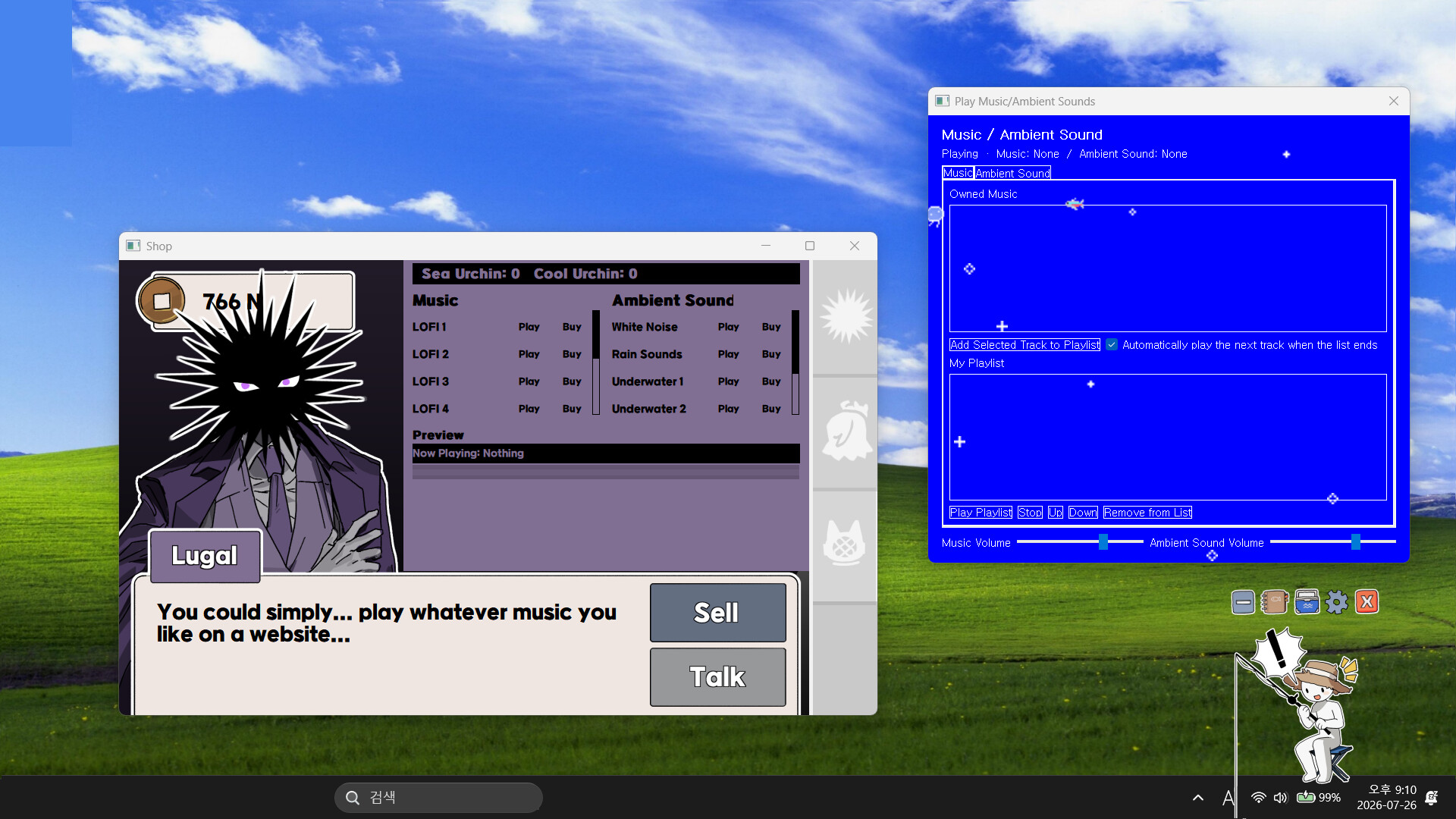
- Everything else later. Music tracks, ambient soundscapes and the aquarium are lovely, but they do not earn — see shops and unlocks before you start redecorating.
First-day quirks worth knowing
- Tutorial opens in Notepad? That means Windows associated the tutorial file with whichever app you picked the first time. Fix the file-type association once in Windows settings and it will open properly from then on.
- Some names show as boxes (⊠⊠)? A known display bug that hits some Chinese-language setups. Switching the in-game language to English or Korean restores the names — details on the customisation page.
- Fisher vanished behind a window? Drag the game window back into view; it follows your desktop wherever you put it.
Once the first hour is done, the achievements page shows what the community has already unlocked — a good checklist of what to chase next.